
Every Filamental project is a folder on your computer or network, and every node in it is a plain Markdown file you can open in any text editor.
Where: your project folder, on disk · the Projects window lists it (click your project's name, top left)
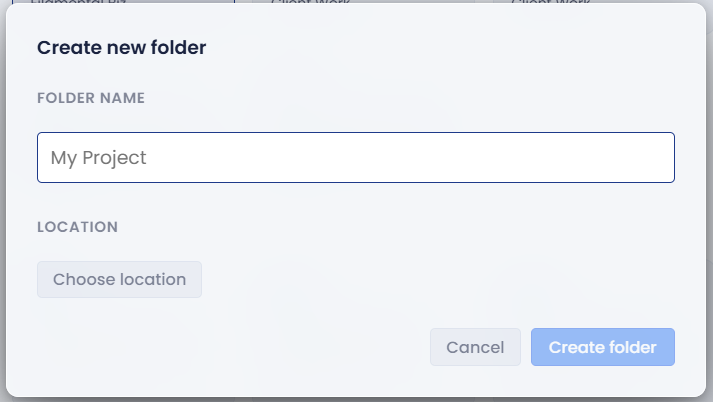
Choose Blank in New / Open / Import… and the New project window asks for a Project name and a Location. Create project makes a folder of that name there, and that folder is your project. All your node text (like this page) lives in it as plain Markdown files, which is why your work is always yours and readable by (almost) any app.
The Projects window keeps a bookmark to each folder. Renaming a project there, or forgetting it, doesn't touch the folder itself.
What a note holds. Each note is a .md file whose front matter holds its name, classification, properties and connections, each connection pointing at the other node's ID. Your text sits underneath. Fields another app put there, such as Obsidian's tags and aliases, are kept every time Filamental saves the note.
Files that aren't notes. PDFs, pictures and other files in the folder appear as file nodes, and double-clicking one opens it in its usual app.
The hidden .filamental folder. Filamental keeps everything else in a hidden folder inside the project:
Your words and the connections between notes live in the notes, so they survive without .filamental. The arrangement, the vocabulary's names and colours, what's set on file nodes, and the pictures don't.
Changes made outside Filamental. While a project is open, Filamental watches its folder. Edit or delete a note in another app, or drop in a PDF or a picture, and the canvas follows. A plain Markdown file new to Filamental joins when the project next opens, or when you click Refresh in the top bar.
.filamental or the folder.Still stuck? Email [email protected].