
3D Filamental Graph is a free community plugin that gives you a quick look at the shape of your vault. The vault itself also opens in the Filamental desktop app, which is a separate thing and the larger half of this page. None of it is trying to replace anything you already do in Obsidian.
Open it from the ribbon and the graph starts simulating, so notes settle into the shape of your vault rather than the shape of your folders, and clicking one opens the note. What follows is the whole plugin, which is deliberately not very much.
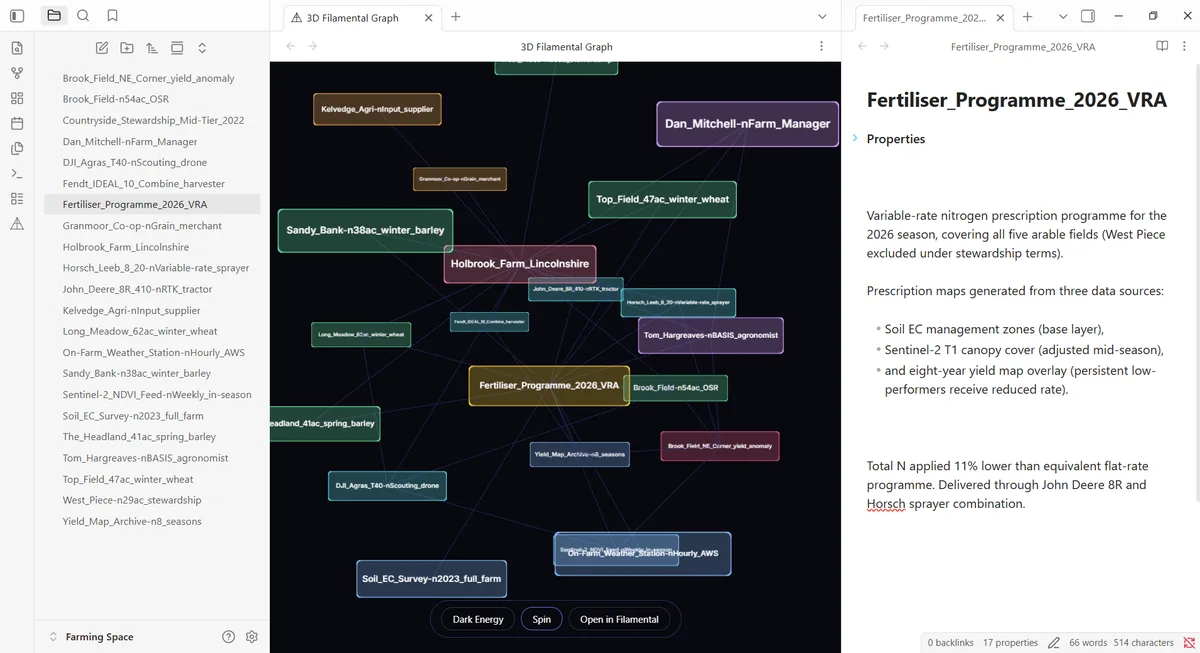
Obsidian is open on a second screen here most days, and we use it as the place knowledge goes once it has been worked out. For that job it’s excellent and none of this is aimed at it. Filamental is for the half of the work that hasn’t settled yet and eventually has to be understood by somebody who wasn’t there.
That one folder runs in both directions, which is the useful part. A vault opens in Filamental when you want to see the shape of it, and a space that has reached the end of its useful life drops into a vault, where it goes back to being notes with its structure still in the front matter.
We did it this way because it is what we wanted for our own work. Anything kept on somebody else’s server is kept on somebody else’s terms, and those terms tend to get rewritten in the direction of whoever wrote them. Let us be the paranoid ones, and you can get on with the writing.
Every connection in the quick view is a plain line, because a line is all a quick view can honestly show. It can’t tell you that one note supersedes another, or blocks it, or reports to it, which is precisely what a connection carries in the desktop app.
You keep writing in Obsidian, which is very good at writing, and the structure work happens next door in the same folder.
If you want a vault to become a Filamental space rather than only be viewed as one, there’s a one-time import that matches each [[wikilink]] to the note it points at and turns it into a real connection, reporting the ones that point nowhere rather than dropping them. Typing those connections is the work, and they arrive untyped on purpose, since the import knows two notes are related and can’t know whether one supersedes the other.
That first pass is the only time a wikilink becomes a connection. After it, a link you type stays a hyperlink you can click, because a link you made while writing a sentence is a different claim from a relationship you meant to assert. Opening a plain folder takes its links in the same way, and what it writes is on the plain Markdown page.
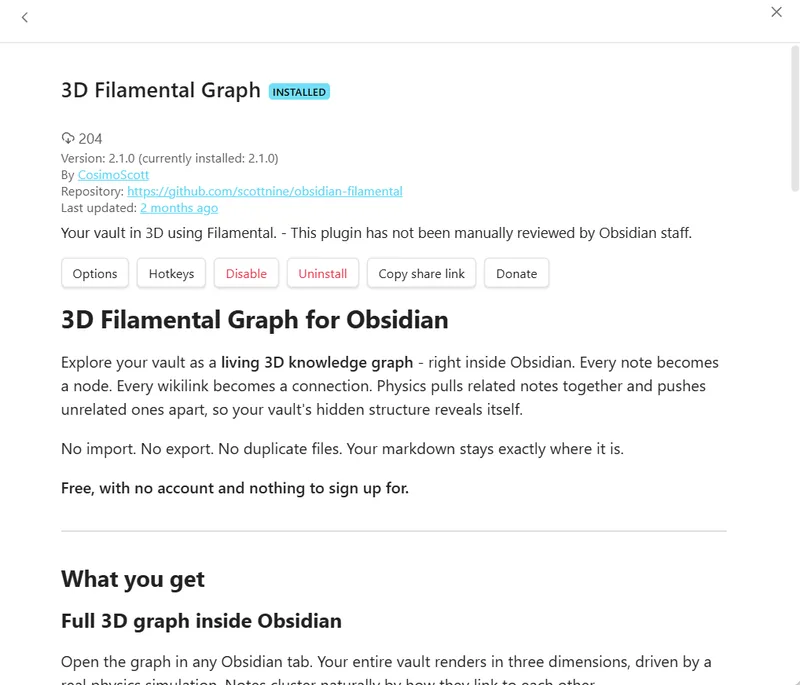
The plugin costs nothing and always will, with no account, no trial, no node limit and no feature switched off until you pay, because there’s no paid version of it to sell you.
Free with no restrictions, meaning no account, no trial, no node limit and no feature held back for a paid tier, because there’s no paid version of the plugin to sell you. It’s a quick view rather than a cut-down editor, and it stops there on purpose. The twenty-node limit people ask about belongs to the desktop application's free plan.
No. 3D Filamental Graph installs from the Obsidian community plugins list and runs entirely inside Obsidian, drawing your vault as a 3D physics graph in a tab. The desktop application is a separate free download reading the same folder, and it adds what a quick view can’t show: connections carrying a type and a direction, categories, properties, attachments, and sending a structure to somebody else.
Your notes aren’t touched. There’s no import, no export and no second copy, and the only thing the plugin writes is a .filamental folder holding the positions you drag nodes into, so a layout you arrange is still there next time. Opening the same vault in the desktop application does one thing more, adding Filamental front matter to any note that has none and leaving your prose untouched below it.
A wikilink says two notes are related, while a connector says how, carrying a type you name yourself, a direction and a strength. The plugin draws both as the same plain line, since a quick view can show you that two notes connect and not what the connection means, and the desktop application is where that meaning is added.
Yes, and it’s one of the two jobs the plugin exists for. A Filamental space is a folder of Markdown files, so a space you have finished with can be moved into a vault for keeping, where the notes read as notes and the plugin still draws the structure you built, coloured by category.
No. The plugin is desktop only, on Windows, macOS and Linux, and Filamental is a desktop application on the same three. A 3D physics simulation over a whole vault isn’t worth pretending about on a phone, and Obsidian marks the plugin desktop only so it won’t appear as an option there.
Free, nothing to sign up for, and it doesn’t touch a single one of your notes.